Lab: Finding and exploiting an unused API endpoint
Lab info
Steps
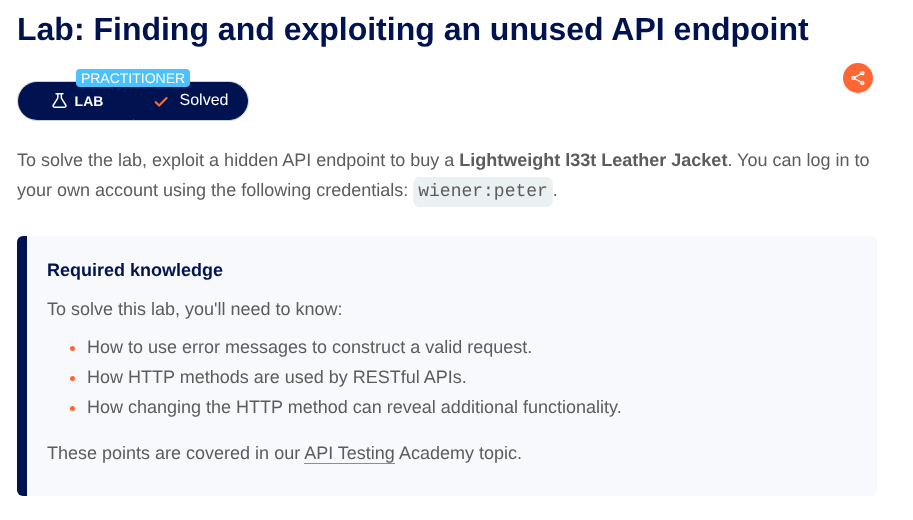
目標:找到 hidden API,並透過它購買 Lightweight “I33t” Leather Jacket(把價格改成 0 元後下單)。
Step 1:開啟網站
打開 Lab 後,進入購物網站首頁:https://<LAB-ID>.web-security-academy.net
Step 2:登入帳號
點右上角 My account,用題目提供帳密登入:
- Username:
wiener - Password:
peter
Step 3:找出 hidden API
先在瀏覽器正常瀏覽商品頁(點第一個商品 View details)讓流量出現在 Burp。
到 Burp > Target > Site map 觀察到疑似內部 API:GET /api/products/1/price
Step 4:確認 endpoint 可打
右鍵該 URL → Send to Repeater,在 Burp > Repeater 重放請求,確認回應為 200 OK,代表 endpoint 可直接呼叫。
Step 5:測試可用的 HTTP method
把 method 改成 PATCH 嘗試修改價格,收到 400 Bad Request,並提示:
Only 'application/json' Content-Type is supported
代表這個 API 接受 JSON body。
Step 6:補齊 JSON 格式需求
依照提示加上 header:
Content-Type: application/json
此時回 500 Internal Server Error,通常表示已進入後端處理流程,但 body 不符合預期(或例外未處理)。
接著在 body 放 {},回到 400 Bad Request,並出現:
"'price' parameter missing in body"
表示 body 必須包含 price 欄位。
Step 7:把價格改成 0
送出以下 request:
PATCH /api/products/1/price HTTP/2
Content-Type: application/json
...

{
  "price": 0
}
回 200 OK:
{
  "price": "$0.00"
}
表示價格已成功被修改。
Step 8:前端下單
回到瀏覽器找到 Lightweight “I33t” Leather Jacket:
- 點 Add to cart
- 進入 Cart
- 確認價格為
$0.00 - 點 Place order
完成購買!(零元購 XD)
Congratulations, you solved the lab!